

100% automatic
AI Image Upscaler
Select image quality
8X
16X

Private mode
By continuing, you agree to our Terms of Service and Privacy Policy.
Reveal stunning clarity to your photos with the online image upscaler on Pixella. Easily upscale images up to 16x clarity in just a few clicks without losing quality.
No image? Try these out:
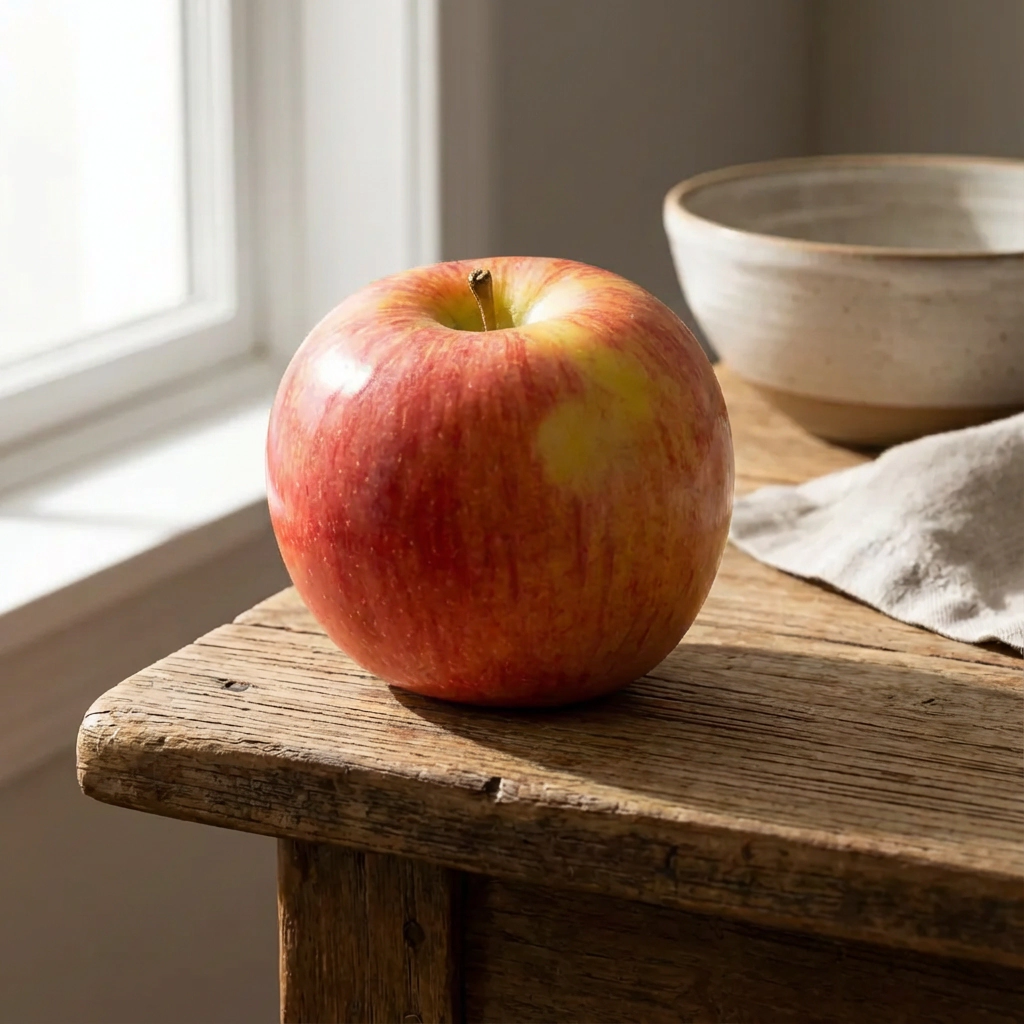
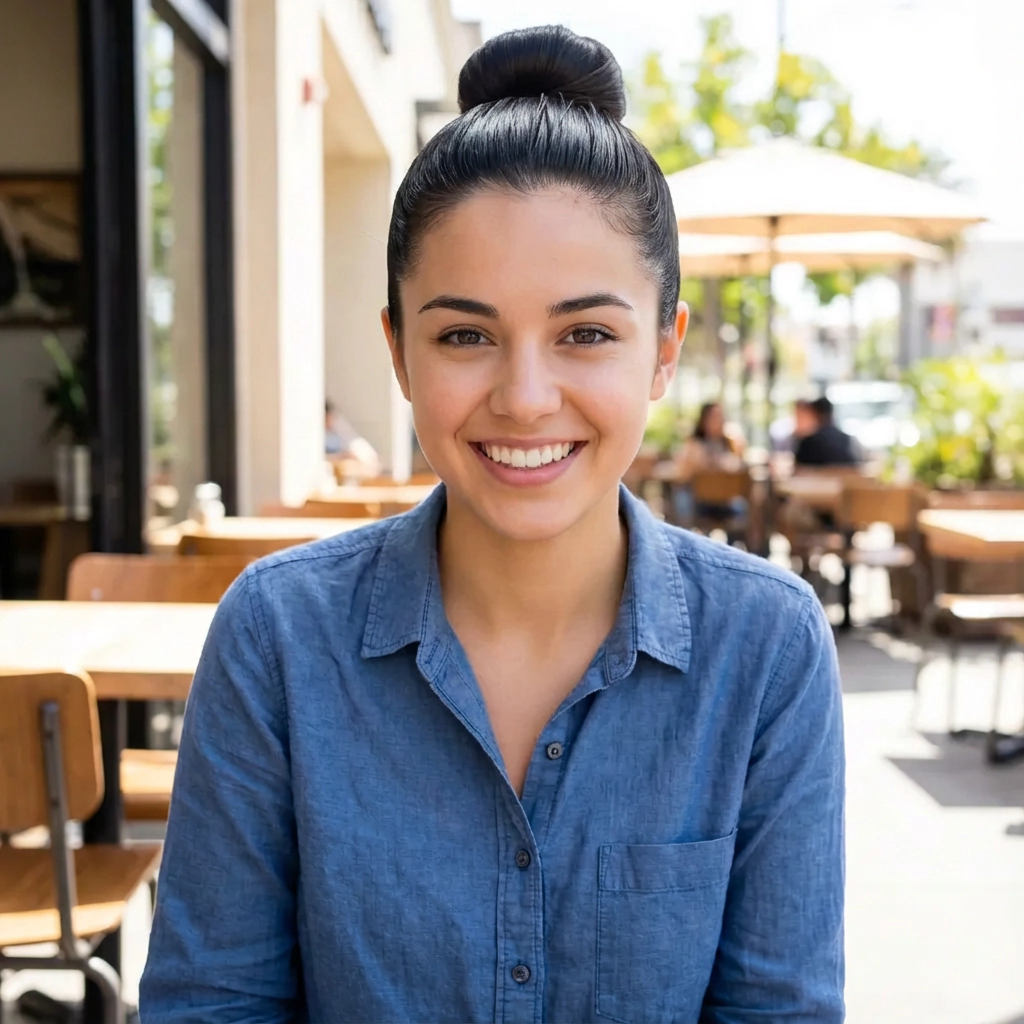
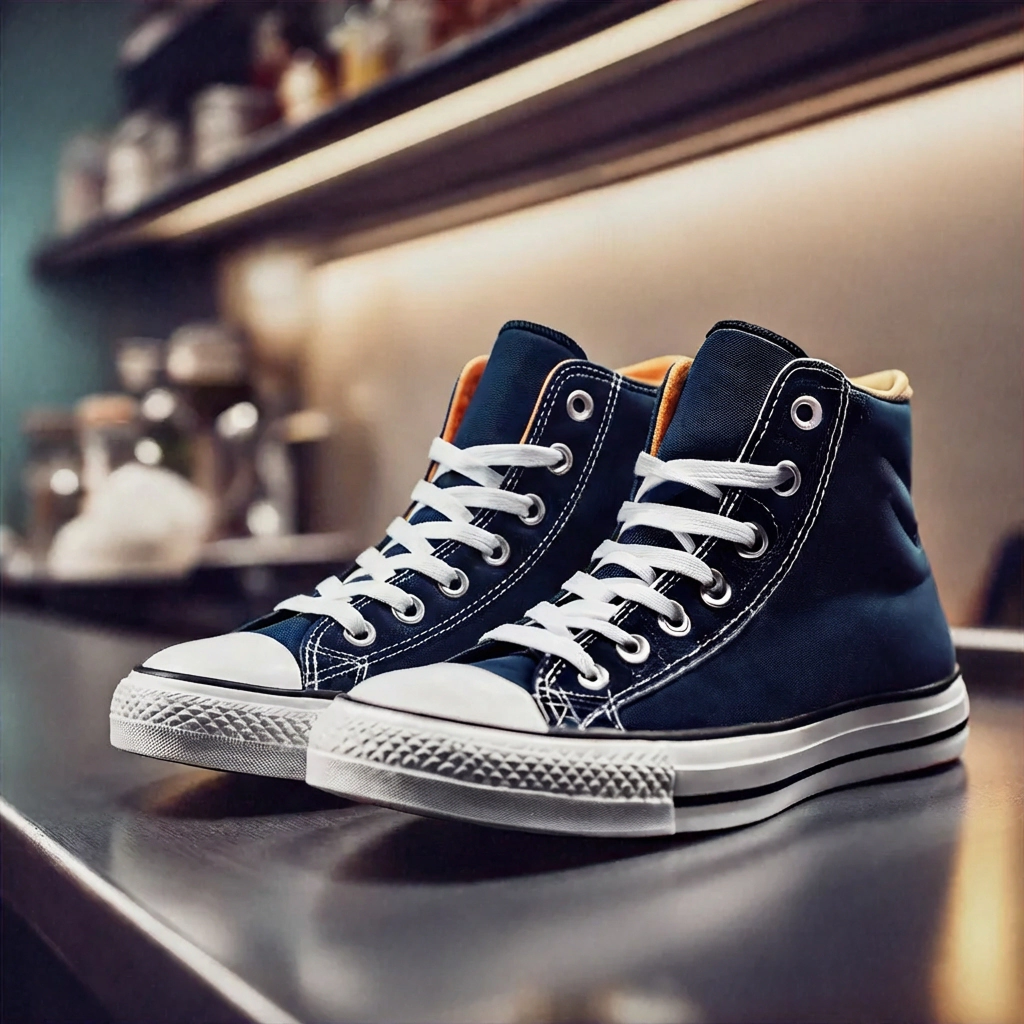
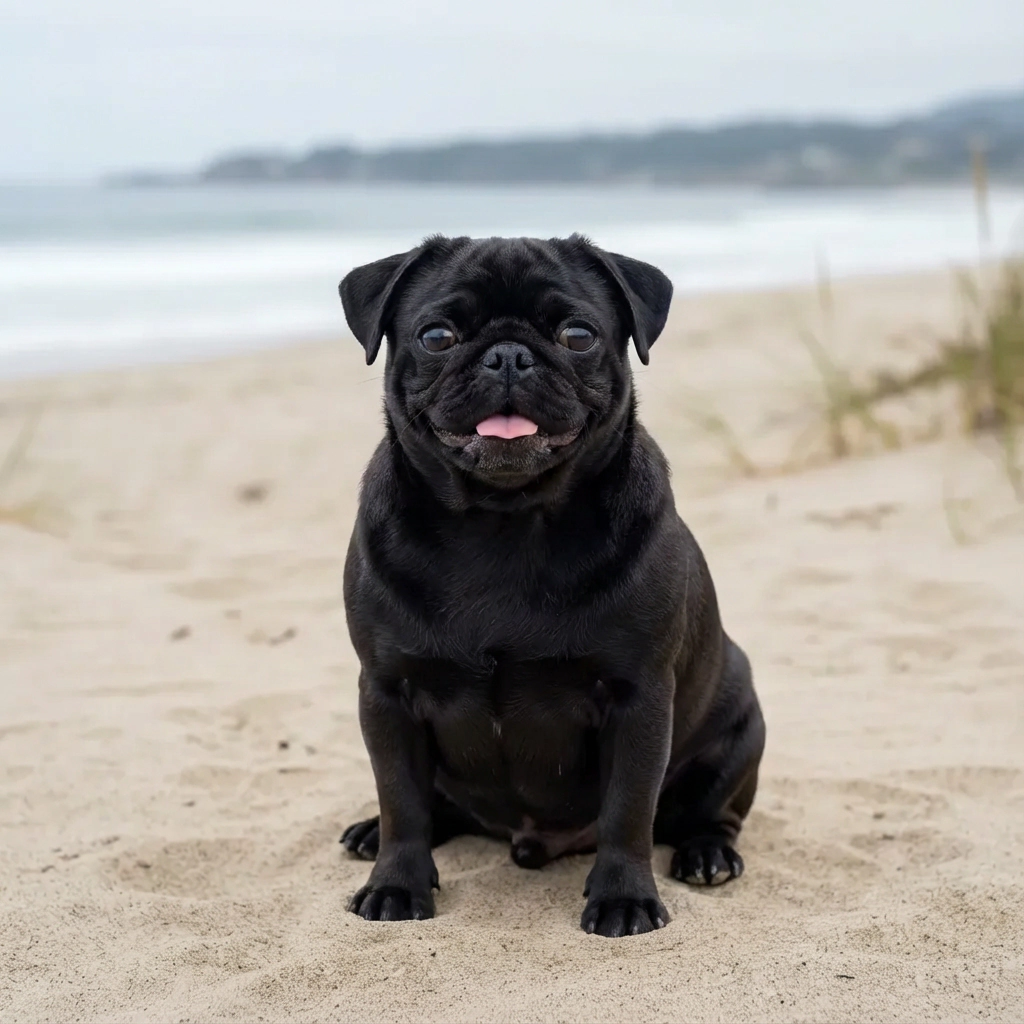
687 492
Users


TrustScore: 4.6
3.7 M
Images processed
How to upscale an image in seconds
Step 1

Upload your image
Click the "Upload Image" button to upload images or drag and drop the images to start.
Step 2

Upscale image automatically
Our AI will automatically begin analyzing your image using our Fast Upscale model. In just seconds, high-resolution image will be ready
Step 3

Download your edit
Download your image in PNG, JPEG, or WEBP format, or save it to your account to edit later.
Amazing image quality for
various scenarios
Choose any category to see the before and after:
Portrait
Old photo
Digital art
Business logo
E-commerce


Increase Image Quality and Resolution up to 8K or 16K
With Pixella's AI image upscaler, you can effortlessly turn your low-resolution photos into clear HD images and standard photos into stunning 8K or even 16K resolution.
Our powerful tool can enlarge images up to 16 times their original resolution, all without losing quality. It doesn't just make images bigger; it makes them better by intelligently sharpening details, reducing noise, and improving overall clarity.

Bring magic to your photos with our AI tools
Transform your images with the power of AI. Skip the hassle of learning and using complex editing software, and make the most of Pixella’s AI tools. Instantly add or replace elements in your image with AI Edit by simply providing a written prompt.
If you need to edit photo backgrounds, Pixella's AI Background Generator can help you out! After the background is removed, you can choose from dozens of available AI backgrounds or generate your custom one!

How People Use Pixella’s AI Image Upscaler
Improve product photos: Give your e-commerce listings a professional look by enhancing image clarity and resolution.
Restore old photos: Breathe new life into old family photos by removing noise and sharpening faded details.
Create digital-ready content: Upscale low-res images to look crisp on social media, PowerPoints, or any website.
Upscale images for print: Enhance images for posters, flyers, ads, or portfolios by upscaling them to 4K, 8K, or even up to 16K.
FAQ
What is an image upscaler?

An image upscaler is a tool that increases the resolution and size of an image by intelligently adding pixels, ultimately enlarging and enhancing the quality of your image. Unlike conventional image enlargement methods that stretch pixels and cause blurriness, Pixella’s image upscaler uses AI to intelligently add detail and sharpen features, making your photos look clear and defined. Some use cases for image upscalers include enhancing low-res photos, improving product images for eCommerce, preparing visuals for print or high-resolution displays, and restoring old pictures.
How do I cancel?
You can cancel anytime through your online account, by emailing [email protected] or by calling +1 (478) 209-3570
How does Pixella's AI image upscaler work?
How to upscale an image without losing quality?
What image formats can I upscale with Pixella?
Can I use images upscaled on Pixella for commercial purposes?
Our users
Showing our reviews
Aug 7, 2025
Makes everything look way better
Pixella is one of those tools you try once and then keep using. I use it all the time to clean up images for social media, and it makes everything look way more polished. Takes seconds and saves me from messing around in editing apps
Olivia K.
Let’s upscale the image!
No image? Try these out:
Select image quality
8X
16X
Drop or paste images here
SVG, PNG, JPG ou GIF
Private mode
By continuing, you agree to our Terms of Service and Privacy Policy.

Revolutionizing visual creation with our all-in-one design platform featuring AI-powered photo editing, background removal, template customization, and image generation tools. Trusted by professionals and beginners alike for stunning, shareable content in minutes.

Company
Support
© 2026 RILETA LIMITED. Stavrou, 26 Strovolos, 2034, Nicosia, Cyprus
100% automatic
AI Image Upscaler
Reveal stunning clarity to your photos with the online image upscaler on Pixella. Easily upscale images up to 16x clarity in just a few clicks without losing quality.
Select image quality
8X
16X
Drop or paste images here
Private mode
No image? Try these out:
By continuing, you agree to our Terms of Service and Privacy Policy.
687 492
Users
TrustScore: 4.6
3.7 M
Images processed
How to upscale an image in seconds
Step 1
Upload your image
Click the "Upload Image" button to upload images or drag and drop the images to start.
Step 2
Upscale image automatically
Our AI will automatically begin analyzing your image using our Fast Upscale model. In just seconds, high-resolution image will be ready
Step 3
Download your edit
Download your image in PNG, JPEG, or WEBP format, or save it to your account to edit later.
Amazing image quality for
various scenarios
Choose any category to see the before and after:
Portrait
Old photo
Digital art
Business logo
E-commerce
Increase Image Quality and Resolution up to 8K or 16K
With Pixella's AI image upscaler, you can effortlessly turn your low-resolution photos into clear HD images and standard photos into stunning 8K or even 16K resolution.
Our powerful tool can enlarge images up to 16 times their original resolution, all without losing quality. It doesn't just make images bigger; it makes them better by intelligently sharpening details, reducing noise, and improving overall clarity.
Bring magic to your photos with our AI tools
Transform your images with the power of AI. Skip the hassle of learning and using complex editing software, and make the most of Pixella’s AI tools. Instantly add or replace elements in your image with AI Edit by simply providing a written prompt.
If you need to edit photo backgrounds, Pixella's AI Background Generator can help you out! After the background is removed, you can choose from dozens of available AI backgrounds or generate your custom one!
How People Use Pixella’s AI Image Upscaler
Improve product photos: Give your e-commerce listings a professional look by enhancing image clarity and resolution.
Restore old photos: Breathe new life into old family photos by removing noise and sharpening faded details.
Create digital-ready content: Upscale low-res images to look crisp on social media, PowerPoints, or any website.
Upscale images for print: Enhance images for posters, flyers, ads, or portfolios by upscaling them to 4K, 8K, or even up to 16K.
FAQ
What is an image upscaler?
An image upscaler is a tool that increases the resolution and size of an image by intelligently adding pixels, ultimately enlarging and enhancing the quality of your image. Unlike conventional image enlargement methods that stretch pixels and cause blurriness, Pixella’s image upscaler uses AI to intelligently add detail and sharpen features, making your photos look clear and defined. Some use cases for image upscalers include enhancing low-res photos, improving product images for eCommerce, preparing visuals for print or high-resolution displays, and restoring old pictures.
How do I cancel?
You can cancel anytime through your online account, by emailing [email protected] or by calling +1 (478) 209-3570
How does Pixella's AI image upscaler work?
How to upscale an image without losing quality?
What image formats can I upscale with Pixella?
Can I use images upscaled on Pixella for commercial purposes?
Our users
Showing our reviews
Aug 7, 2025
Makes everything look way better
Pixella is one of those tools you try once and then keep using. I use it all the time to clean up images for social media, and it makes everything look way more polished. Takes seconds and saves me from messing around in editing apps
Olivia K.
Oct 24, 2025
Super easy to use
Honestly didn’t expect Pixella to work this well. I uploaded a blurry photo just to test it, and the result looked way sharper without feeling fake. Super easy to use, no complicated settings, just upload and go. Definitely bookmarking this
James D.
Dec 14, 2025
Good with almost zero effort
I started using Pixella for product photos and the difference is very noticeable. Images look cleaner, sharper, and more professional. It’s crazy how much better everything looks with almost zero effort
Sarah T.
Let’s upscale the image!
Select image quality
8X
16X
Drop or paste images here
SVG, PNG, JPG or GIF
Private mode
No image? Try these out:
By continuing, you agree to our Terms of Service and Privacy Policy.
Revolutionizing visual creation with our all-in-one design platform featuring AI-powered photo editing, background removal, template customization, and image generation tools. Trusted by professionals and beginners alike for stunning, shareable content in minutes.
© 2026 RILETA LIMITED. Stavrou, 26 Strovolos, 2034, Nicosia, Cyprus